

Coconut Learning
New to Bitcoin? Practice, step by step
A self-custody learning kit to help you practice before moving real Bitcoin.
Two apps. One practice environment
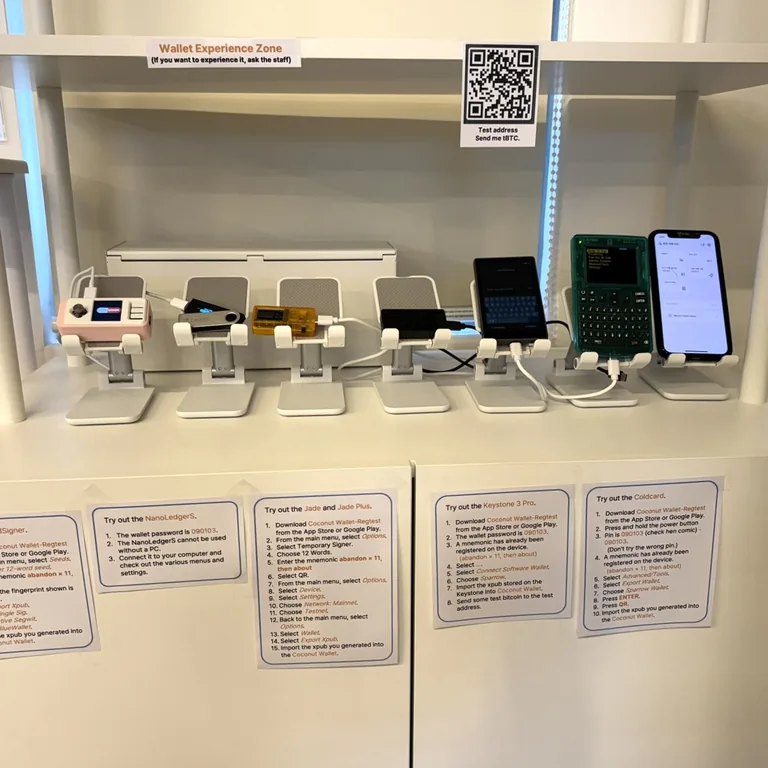
After reading the explanation, try the process yourself. Practice creating a wallet, receiving test bitcoin, signing and sending before making a real transaction.
What you need
Prepare two phones. Keep the Vault phone offline and connect the Wallet phone to the network. Test bitcoin is for practice and has no market value. The testnet may be reset.
Learn step by step
Essential concepts and setup
Start with private keys, seed phrases and wallet roles, then install the apps.
Korean guideCreate and restore a wallet
Practice creating a wallet and restoring it using the backup information.
Korean guideReceive test Bitcoin
Check a receiving address and receive bitcoin intended for practice.
Korean guideSend a transaction
Prepare a transaction in Wallet, sign in Vault, and broadcast it.
Korean guideLearn multisig
Explore wallets that require multiple signatures rather than a single key.
Korean guideBack up a multisig wallet
Understand the backup information needed to restore access to a multisignature wallet.
Korean guide