
Coconut Vault
Keys offline Sign each transaction yourself
Sign Bitcoin transactions on a phone disconnected from the network.
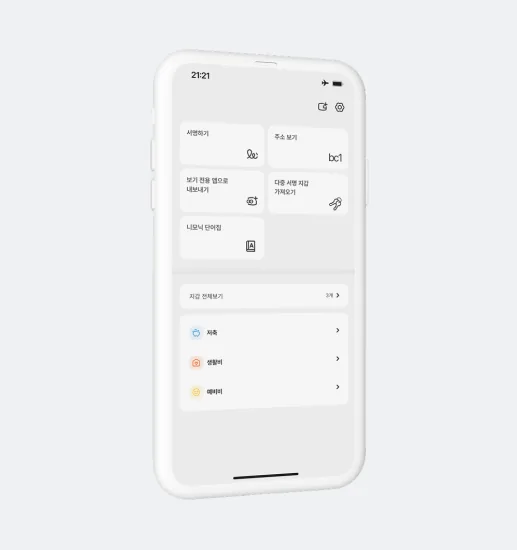
Two apps. Distinct roles
Exchange transaction details and signatures via QR codes
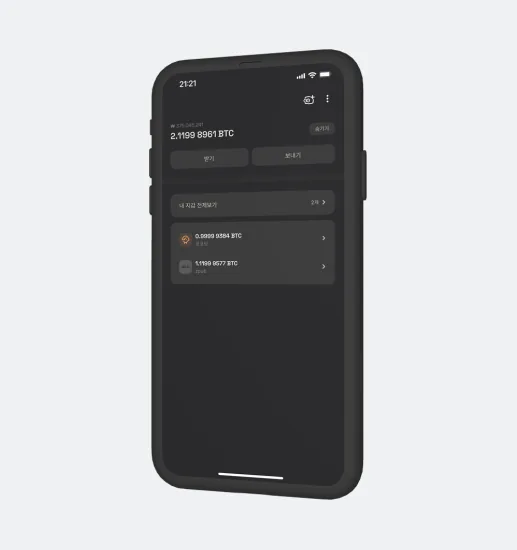
Coconut Wallet
Check balances and history on your everyday phone and prepare a transaction. Receive the signature from Vault, then submit the transaction to the Bitcoin network.
Coconut Vault
Keep private keys on a phone disconnected from networks. Review and sign the transaction prepared by Wallet, then return the result by QR code.

Store keys and sign offline
Turn a spare smartphone into an offline signing device. Keep the device managing keys separate from the one connected to the network, and exchange transaction data by QR. Review transaction details in Vault before signing. Follow the guides from device preparation and backup through to your first signature.
Offline key storage and signing
Before you install
Keep your Vault phone dedicated to offline use. Check device compatibility with the learning app before purchasing.